Quick Answer
On macOS Tahoe 26 or later, press Command-Space to open Spotlight, then press Command-4 or select the Clipboard button. Search for a recent item, select it, and press Command-C to copy it again.
If your Mac runs an older macOS release, or you need longer retention, type and date filters, permanent bookmarks, or text tools, a dedicated local clipboard manager can extend the native workflow.
The Workflow Problem
The common problem is simple: you copy a useful paragraph, link, command, or file path, then copy something else and lose the previous item. Without history, you must reopen the source or recreate the content.
Typical examples include an overwritten command, a link copied from a closed tab, a reply template that must be found again, or PDF text that needs cleanup before reuse.
What macOS Clipboard History Does and Does Not Solve
Apple documents Clipboard History in Spotlight for macOS Tahoe 26 or later. Press Command-Space, then Command-4, to search recent text, images, links, and files. Finder’s Show Clipboard view only shows the current clipboard item.
Apple also warns that sensitive information may appear in Clipboard History and provides a Clear History action. Treat any stored clipboard history as sensitive data, whether it is native or managed by another app.
How TextStow Handles It
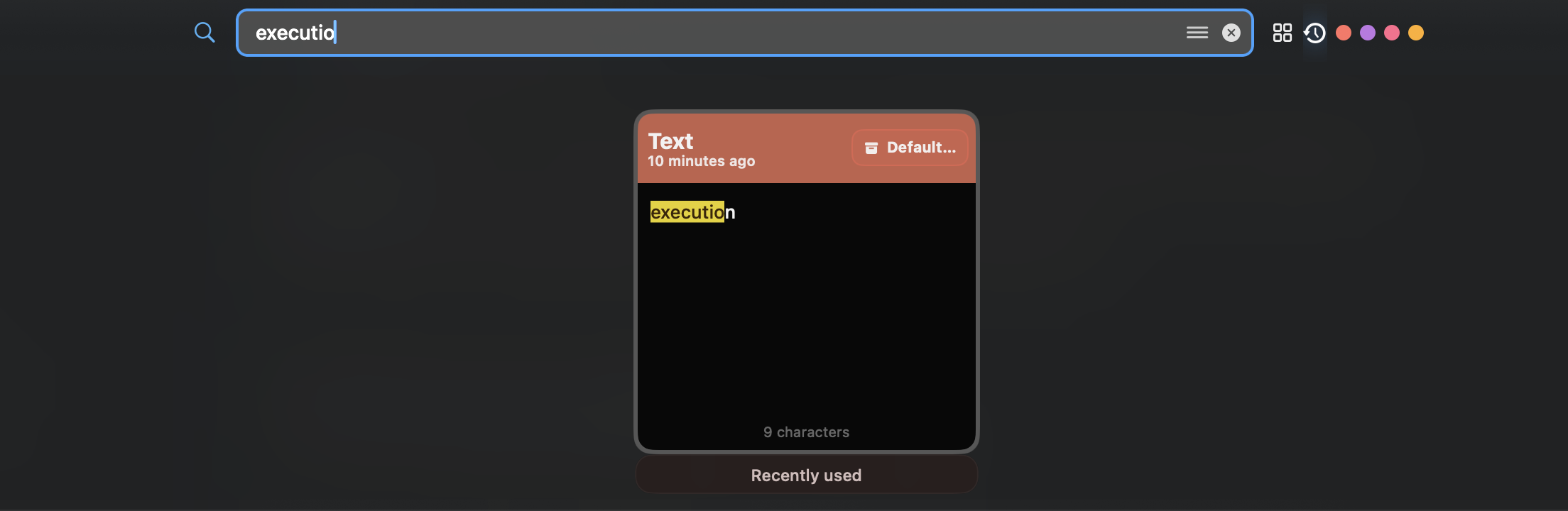
Install TextStow, copy normally, then open the clipboard panel when you need something from earlier. Search a keyword, browse by time, and paste the selected result back into your current app.
Open the menu bar panel, search a phrase, filter results, bookmark content that should become permanent, or run a text processing action before pasting. TextStow is intended for a longer-term local workflow, not as a guarantee that every previously copied item can be recovered.
Choose the Smallest Tool That Fits
Use Spotlight Clipboard History if recent native history is enough. Add a dedicated manager only when you need longer retention, reusable bookmarks, more filters, or a workflow available on older macOS versions.
No clipboard manager can recover items copied before it started recording. Review retention, exclusions, storage, backups, and deletion controls before keeping sensitive history.