Quick Answer
Local storage reduces how many systems receive clipboard content, but “offline” is not a complete security guarantee. Check where history is stored, whether content syncs, what telemetry exists, which apps can be excluded, how long items remain, and how deletion and backups work.
TextStow is designed around a local clipboard database and does not provide TextStow cloud sync for clipboard content. Security-sensitive teams should still verify the current app build, macOS permissions, device encryption, backups, and their own retention policy.
1. Map the Data Boundary
Clipboard history can contain passwords, API tokens, customer records, private messages, file paths, and copied images. Start by identifying the local database, any sync destination, exported files, crash reports, update checks, and analytics endpoints.
A local database narrows the default boundary to the Mac, but the device, its user accounts, backups, and other software with file access still remain inside the threat model.
2. Check Native History and App Exclusions
macOS Tahoe 26 and later include Clipboard History in Spotlight. Apple notes that sensitive information may appear there and provides a Clear History action. A third-party manager should be evaluated with the same care.
Confirm whether the app can ignore password managers, terminals, remote desktop tools, or other sensitive sources. Test exclusions instead of relying only on a marketing statement.
3. Set Retention, Deletion, and Backup Rules
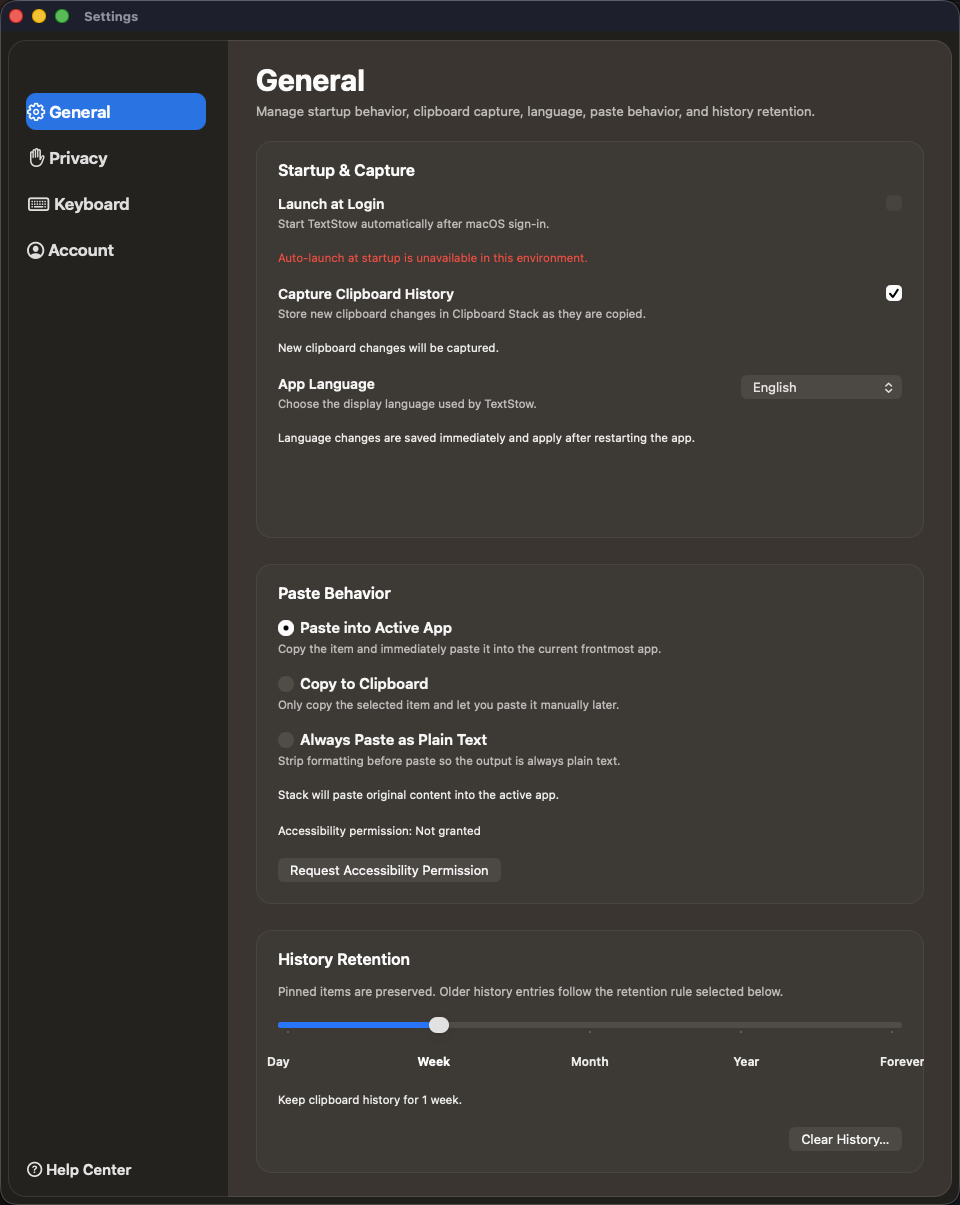
Keep temporary clipboard history only as long as needed. Separate reusable bookmarks from disposable history, verify that clearing history removes the intended records, and decide whether local backups should include clipboard data.
If backups contain the database, protect them with appropriate encryption and access controls. Apple documents FileVault as an additional layer that helps protect data on a Mac from access without the login password.
4. Verify the Current Build
For regulated or high-risk work, record the app version and test outbound connections, permissions, exclusions, deletion, and backup behavior. Repeat the check after major updates.
Local-first is a useful architecture choice, not a substitute for endpoint security, access control, disk encryption, safe backups, and a clear retention policy.