
Download TextStow
For macOS 13.0 or higher
Requirements: macOS 13.0+ | Apple Silicon / Intel Universal
Download TextStowFree to download and use. Clipboard data stays local on your Mac.
Install TextStow in 3 Steps
Download the App
Click the button above to download the TextStow .dmg installer
Drag to Applications
Drag TextStow into your /Applications folder
Authorize and Run
On first launch, grant Accessibility permissions to start using
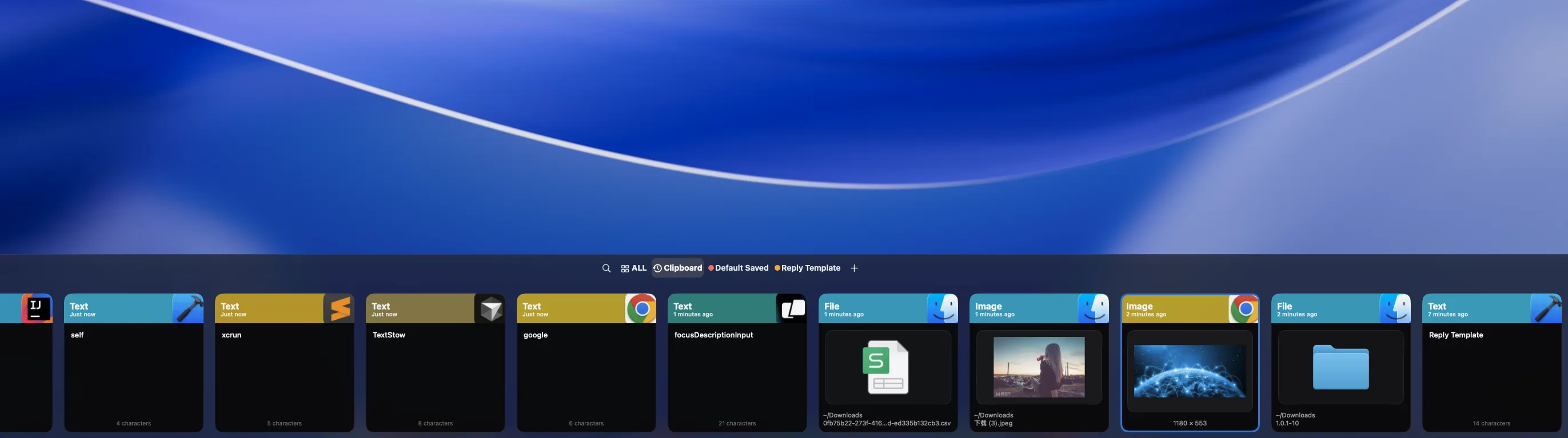
Mac Clipboard History
Automatically record copied text, images, and files so previous clips stay searchable.
Content Bookmarks
Save reusable replies, code snippets, file references, and research notes permanently.
Local Privacy
Clipboard history is stored locally on your Mac, with no cloud clipboard account required.
Download FAQ
Is TextStow free to download?▾
Yes. TextStow is free to download and use.
Which macOS versions are supported?▾
TextStow supports macOS 13.0 or later on Apple Silicon and Intel Macs.
What permission does TextStow need?▾
macOS may ask for Accessibility permission so TextStow can paste selected content into the active app. You can still use clipboard-only workflows if you prefer manual paste.