
Published on 2026-04-15 · 10 min read
Best Free Clipboard Manager for Mac: 2026 Buyer’s Guide
Compare macOS Clipboard History, Maccy, Paste, and TextStow by price, privacy, sync, bookmarks, search, and text tools.
TextStow Team Read More
Clipboard manager guides, Mac productivity workflows, and text processing tutorials.
Compare macOS Clipboard History, Maccy, Paste, and TextStow by price, privacy, sync, bookmarks, search, and text tools.
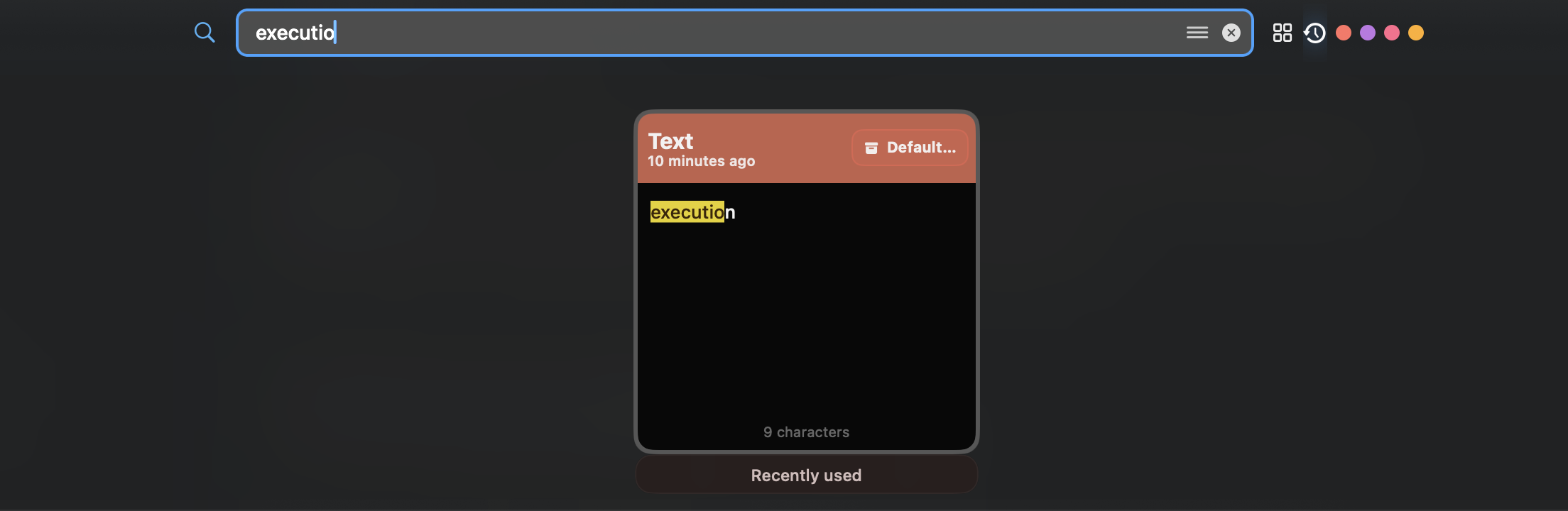
View Clipboard History in Spotlight on macOS Tahoe 26 or later, understand its limits, and choose a longer-term local workflow when needed.
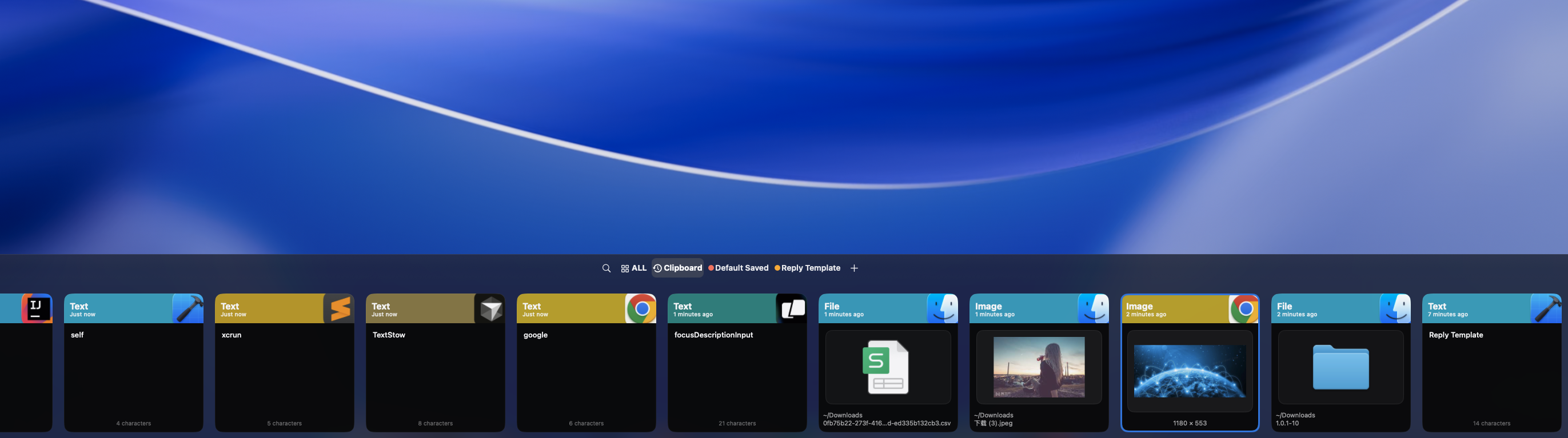
If you copied over something important on Mac, here is what can and cannot be recovered, and how to prevent it next time.
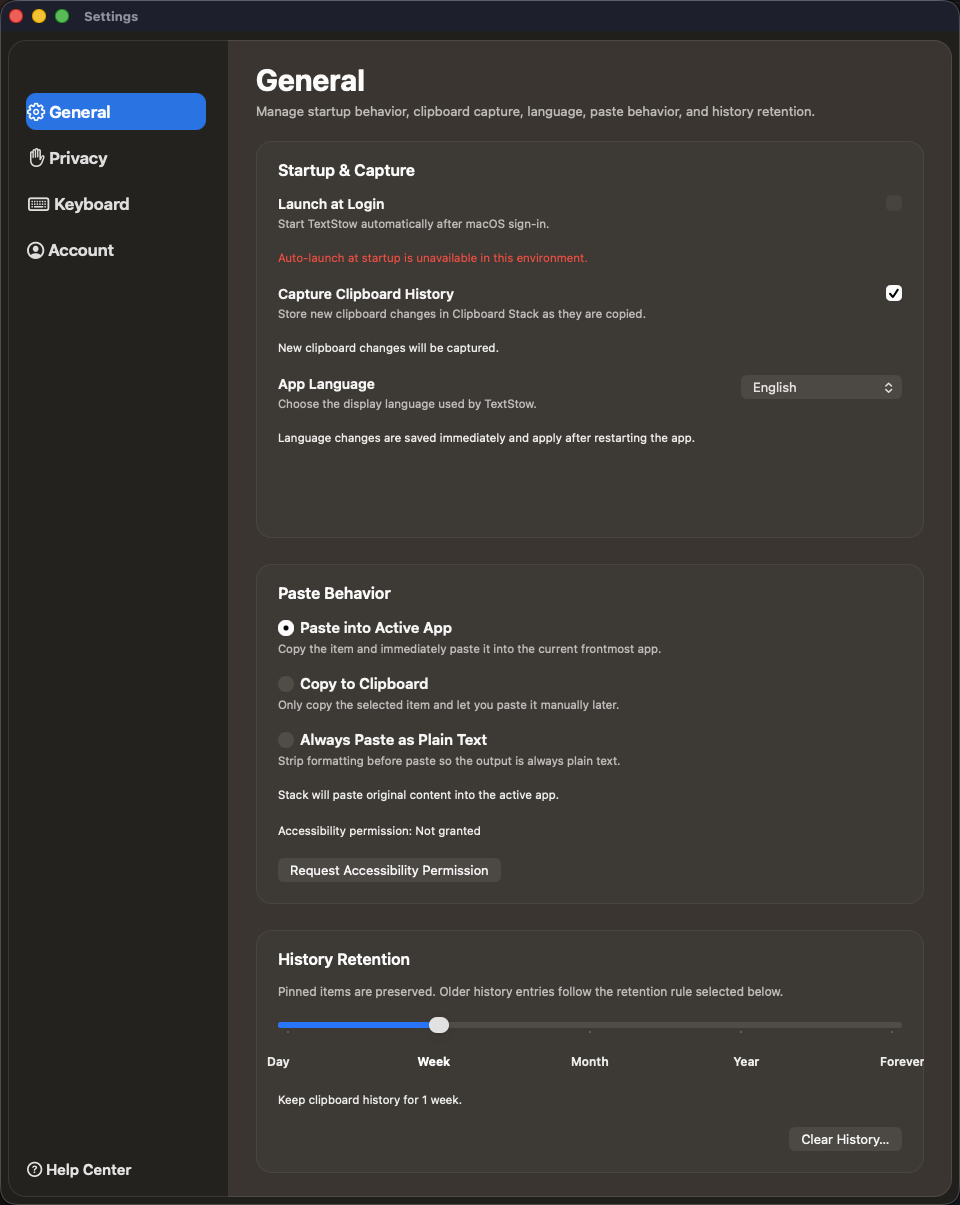
Cloud clipboard sync is convenient, but copied content can include private data. Learn why local clipboard storage is often safer.
Evaluate an offline clipboard manager for Mac with a practical checklist for storage, sync, telemetry, exclusions, retention, deletion, and backups.
Developers copy code snippets, terminal commands, API responses, and config values constantly. TextStow turns that stream into a searchable workflow.
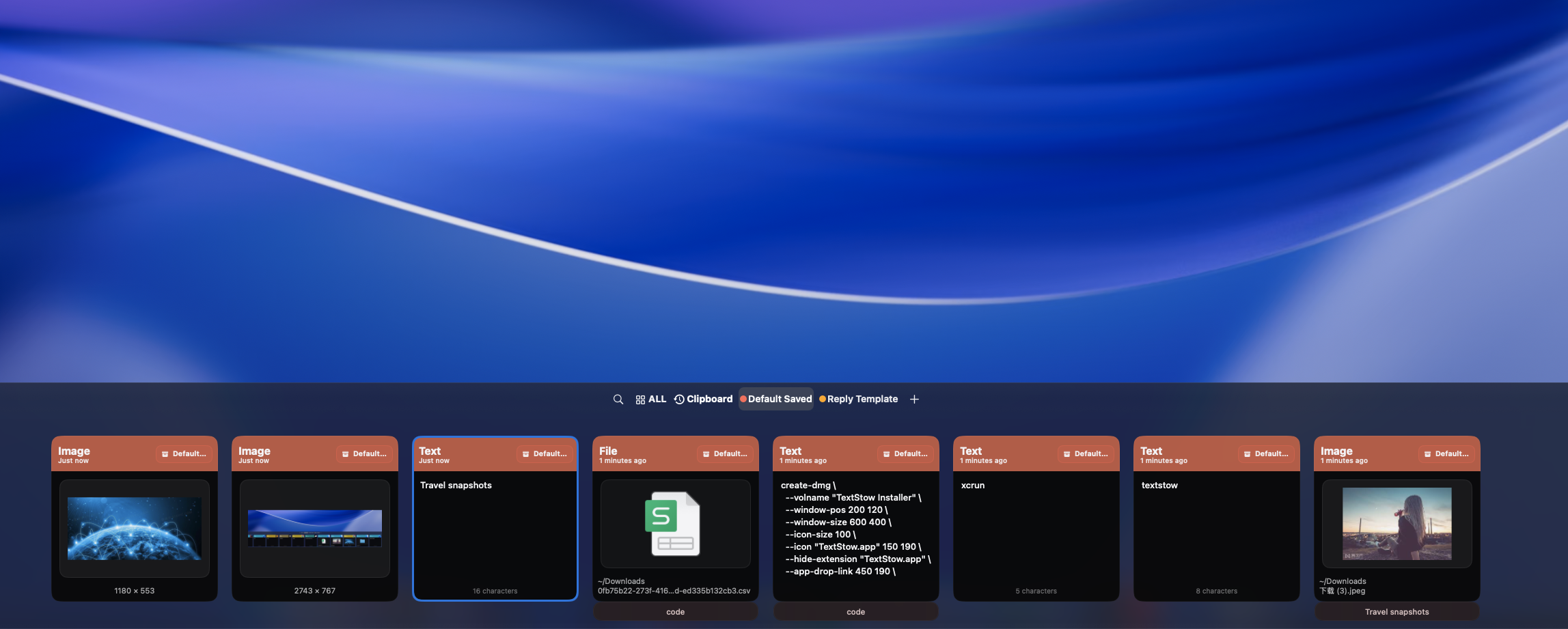
A lightweight workflow for saving code snippets, commands, and templates on Mac with TextStow bookmarks.
Stop losing curl commands, deployment one-liners, and shell snippets. Use TextStow as a searchable terminal command clipboard history.
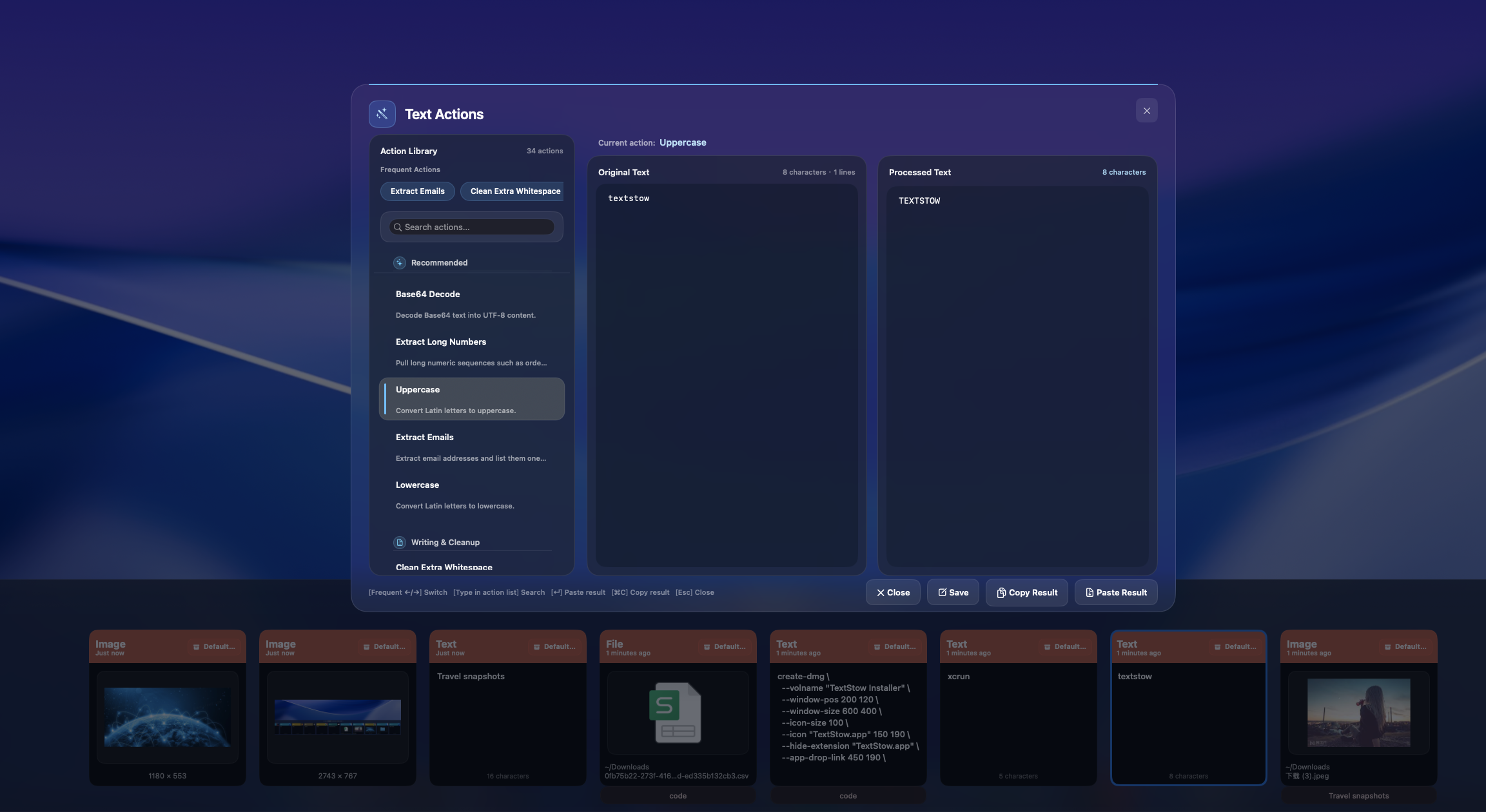
PDF copied text often has broken line breaks and spacing. Learn a faster Mac workflow using TextStow text cleaning tools.
Format JSON copied from APIs, logs, and browser devtools without opening a website. TextStow handles JSON in your clipboard workflow.
Encode and decode Base64 or URLs on Mac without jumping to a web tool. Use TextStow text processing in your clipboard flow.
Clean lists, logs, and copied data by removing duplicate lines with TextStow text processing on Mac.
PDF copied text often breaks every visual line. Use TextStow to repair line breaks and clean paragraphs locally on Mac.
Copy-paste work deserves dedicated tooling. Learn how clipboard history, snippets, and text cleanup fit into a faster Mac setup.

A menu bar clipboard app keeps history and text tools one shortcut away. Learn why TextStow uses this model.
Clipboard history is temporary recovery. Content bookmarks are permanent reuse. Learn why TextStow includes both.
Copy-paste happens more often than people realize. Estimate the daily cost and see why clipboard history can save real time.
Writers and students copy quotes, citations, and references constantly. TextStow keeps research snippets searchable and reusable.
A practical research workflow for collecting quotes, links, PDF text, and references with TextStow on Mac.
Support teams repeat answers all day. TextStow helps save, search, and paste reply templates from a local Mac clipboard workflow.
Build a faster Mac email workflow by saving intros, signatures, follow-ups, and reusable replies in TextStow bookmarks.
Students copy notes, quotes, formulas, and links constantly. TextStow helps recover and organize that copied material.