Save Research Notes on Mac
Researchers and students constantly copy content from papers, articles, and PDFs. TextStow captures every copied quote, reference, and note automatically — no more losing useful material between tabs.
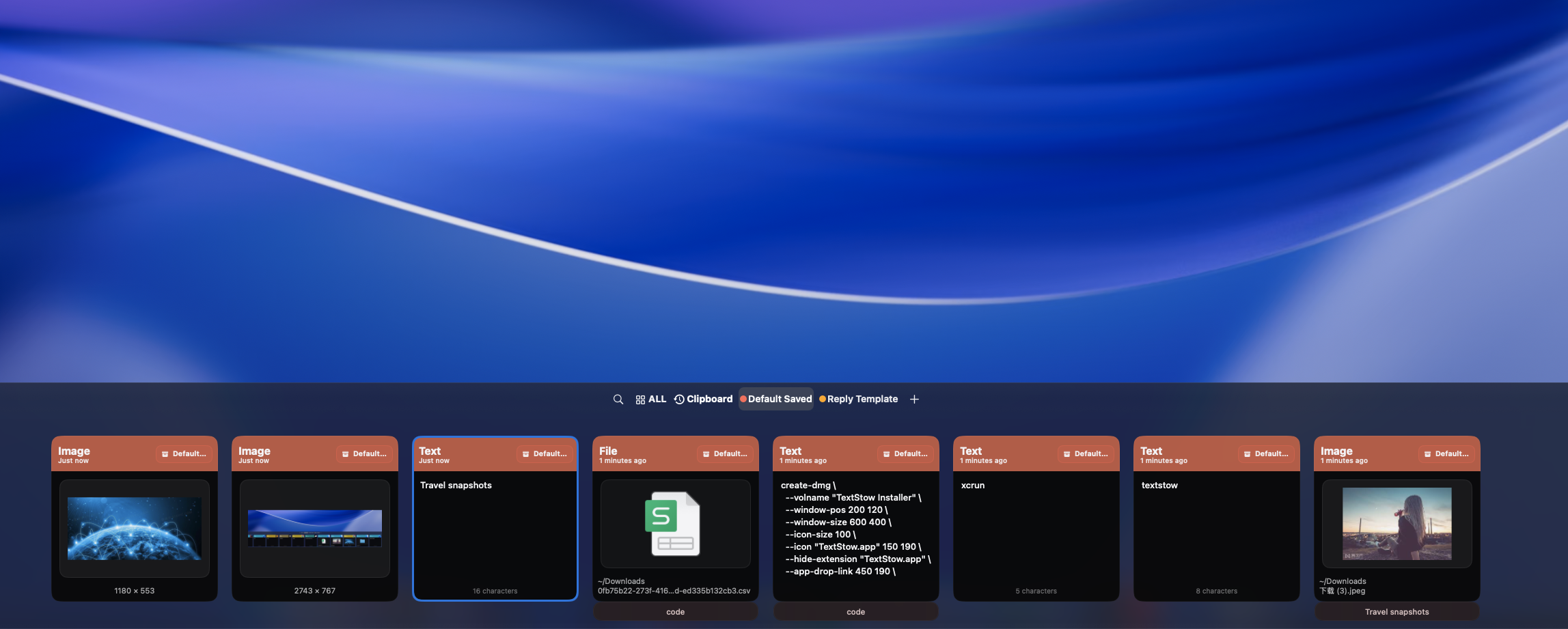
Research Means Copying from Many Sources
Academic papers, journal articles, PDF textbooks, web databases — researchers pull content from dozens of sources. Each copy replaces the last clipboard item, and valuable quotes and references get lost.
Capture Every Copied Piece
TextStow records every copy event from any source. Switch between PDFs, browser tabs, and note apps — nothing copied is ever lost. Your full research clipboard is available in one place.
Bookmark Key References and Quotes
Important citations, key statistics, and critical passages can be bookmarked with titles. These remain accessible even after clearing the timeline history, giving you a permanent reference library for your writing. <a href="/use-cases/how-to-organize-copied-notes-quotes-links-mac/">Learn how to organize all your copied notes and links.</a>
Clean PDF Text Before Pasting into Notes
Research papers copied from PDFs come with broken lines and messy formatting. TextStow built-in PDF text repair fixes these issues before you paste into your research notes or thesis draft. <a href="/use-cases/clipboard-history-for-students/">See how students use clipboard history for research.</a>
Frequently Asked Questions
Can TextStow help with academic research?▾
Yes. It keeps all copied research material accessible in one searchable place while you work.
Does it work with PDF research papers?▾
Yes. TextStow records text copied from PDFs and includes tools to repair broken formatting.
Can I organize research quotes?▾
Yes. Bookmark important quotes and references with titles for easy retrieval.
Is research data stored locally?▾
Yes. All clipboard content is stored locally on your Mac — no cloud sync.
Free Download TextStow
Researchers and students constantly copy content from papers, articles, and PDFs. TextStow captures every copied quote, reference, and note automatically — no more losing useful material between tabs.
Free Download